Dinary
See what went into the shopping bag. Track expenses, scan receipts (Serbia, Montenegro), analyze spending with AI.
Pick your category set on first launch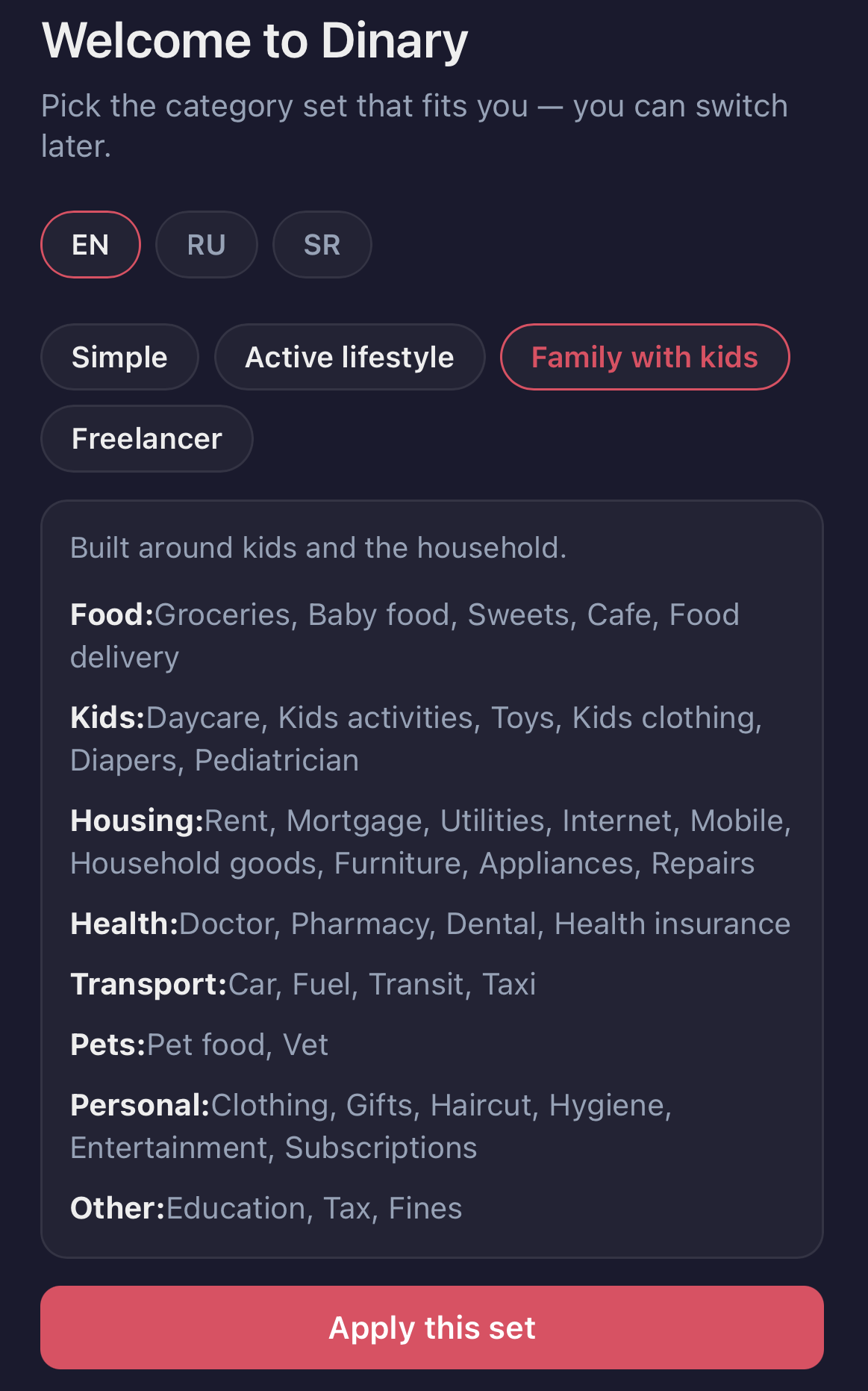 |
Receipts classified by AI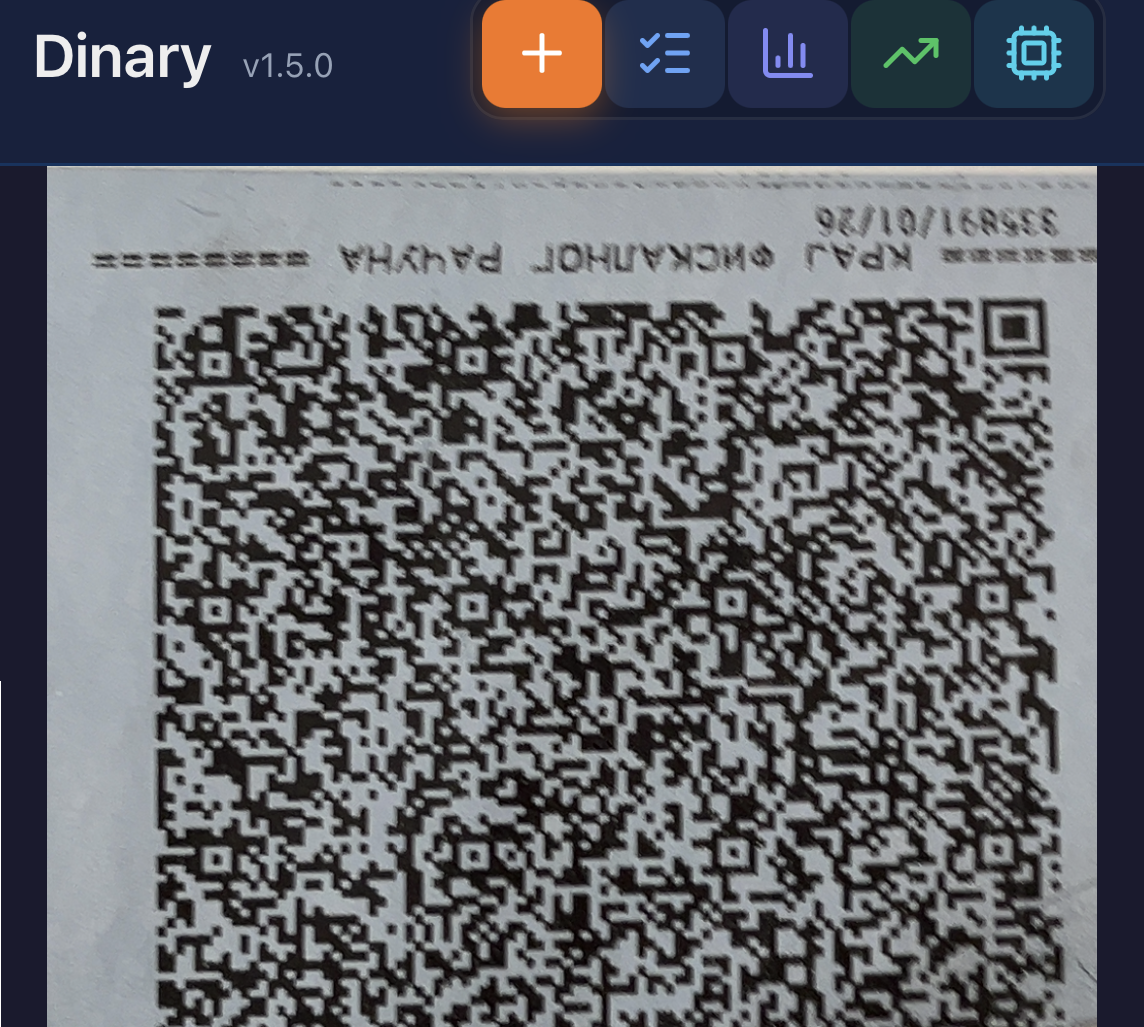 |
Entry in any currency — one tap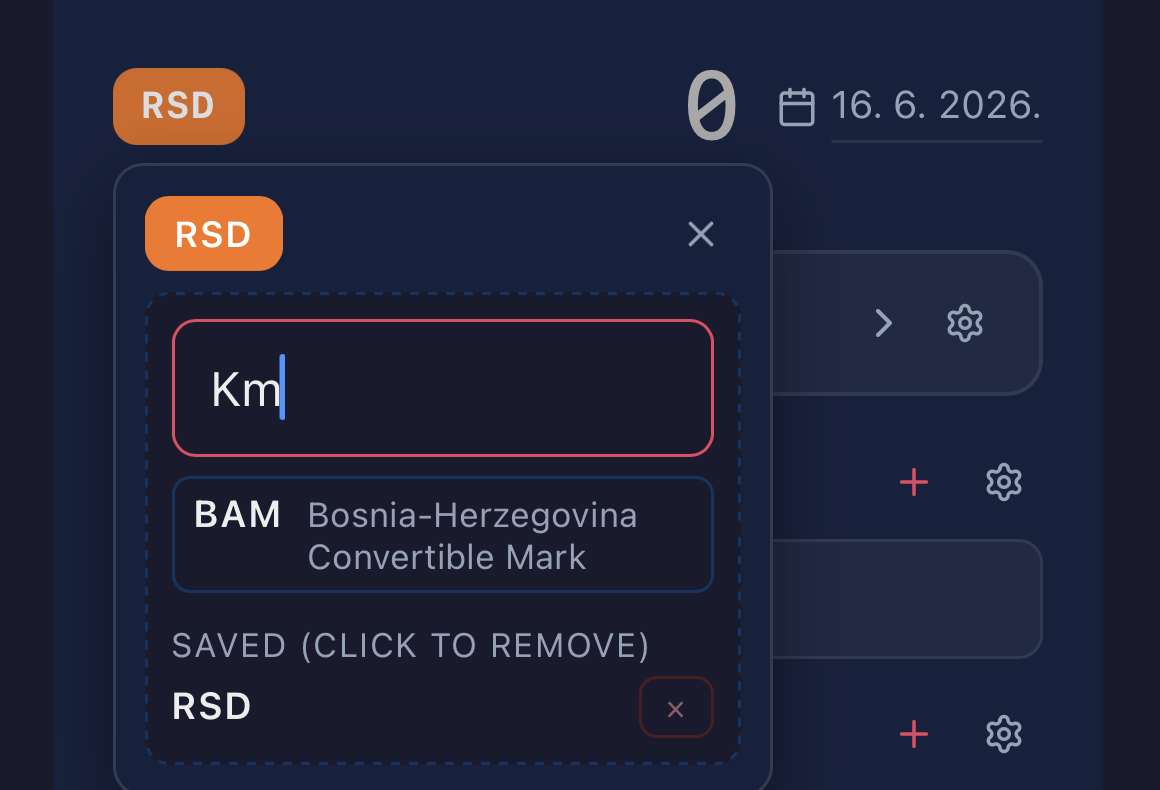 |
- Know what you bought: a supermarket receipt split into item-level spending, with categories the app learns from your corrections.
- Capture it while you remember: scan a QR code or enter an expense on your phone, even offline.
- Explore spending your way: categories, trips, tags and currencies, with an AI analyst on your computer.
Quick start
Dinary is a small server of your own, and the app on your phone is the page it serves. It runs free on an Oracle Cloud Always Free VM, reached through your private Tailscale network.
Have Claude Pro or Max, or ChatGPT Plus? Open the Code tab of the Claude desktop app, or Codex in the ChatGPT desktop app, and paste:
Install dinary on Oracle Cloud for me, following
https://andgineer.github.io/dinary/agent-install/
The agent tells you each step only you can do — signing up for Oracle and Tailscale, putting your key in a file — and does the rest.
- Deploy the server:
- Oracle Cloud Free Tier — $0/month forever
- Your own computer — $0 (Tailscale Funnel or Cloudflare Tunnel)
- Set up HTTPS access — see the deployment guides above.
- Install the PWA on your phone.
- Optionally, set up Google Sheets to get a row for every expense in a spreadsheet.
- Run
inv analyticsto talk to your personal financial analyst.
What it does
Dinary server is a FastAPI backend that:
- Stores expenses in a local SQLite file in EUR (with the original amount and currency preserved for audit)
- Optionally mirrors every expense to a Google Sheets tab in RSD for pivot-table analytics
- Parses Serbian fiscal receipt QR codes (total + date)
- Serves a mobile PWA for quick expense entry in dinars
- Provides an offline-capable queue for entries without connectivity
Review receipt categories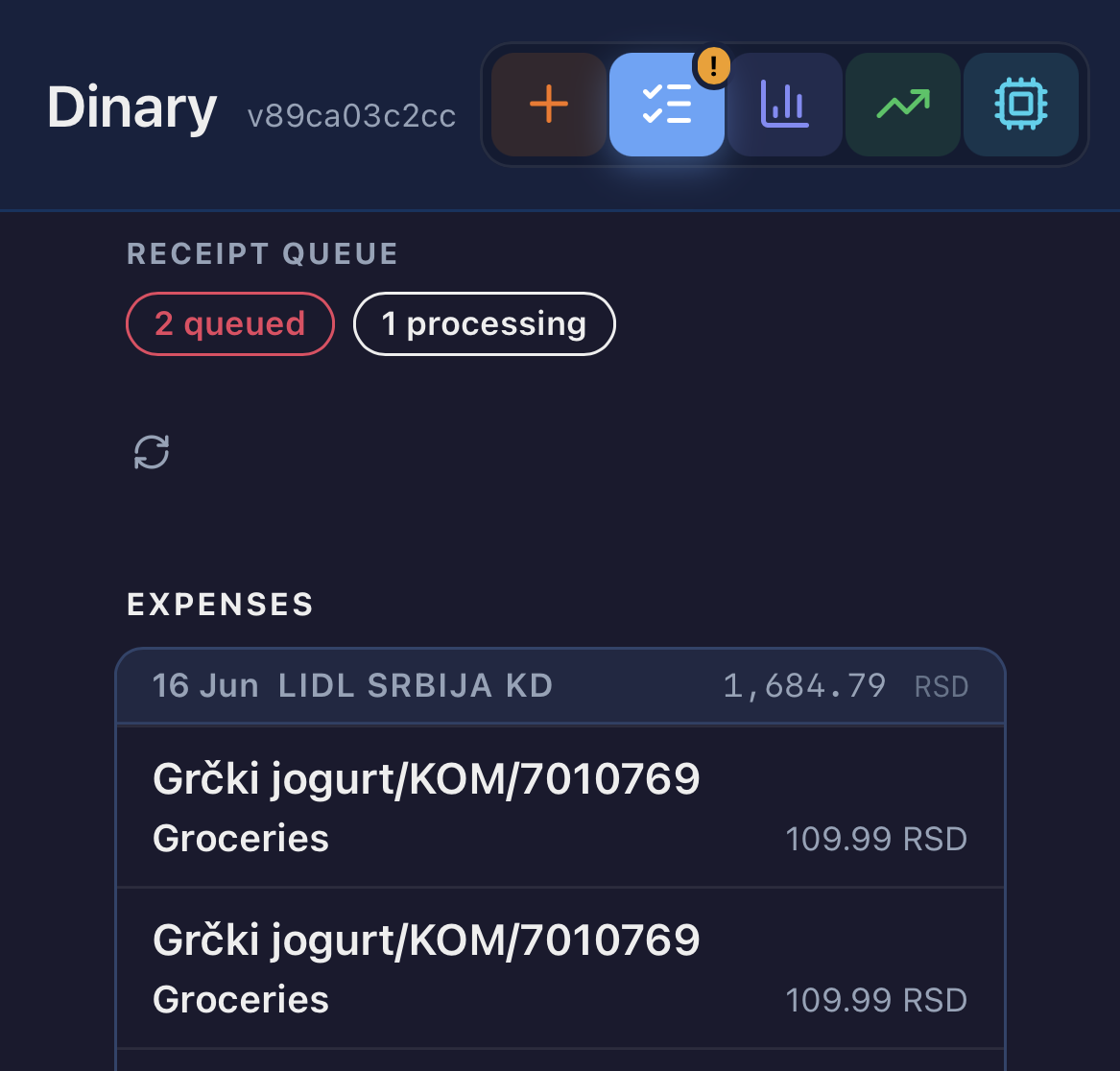 |
Quick entry in any currency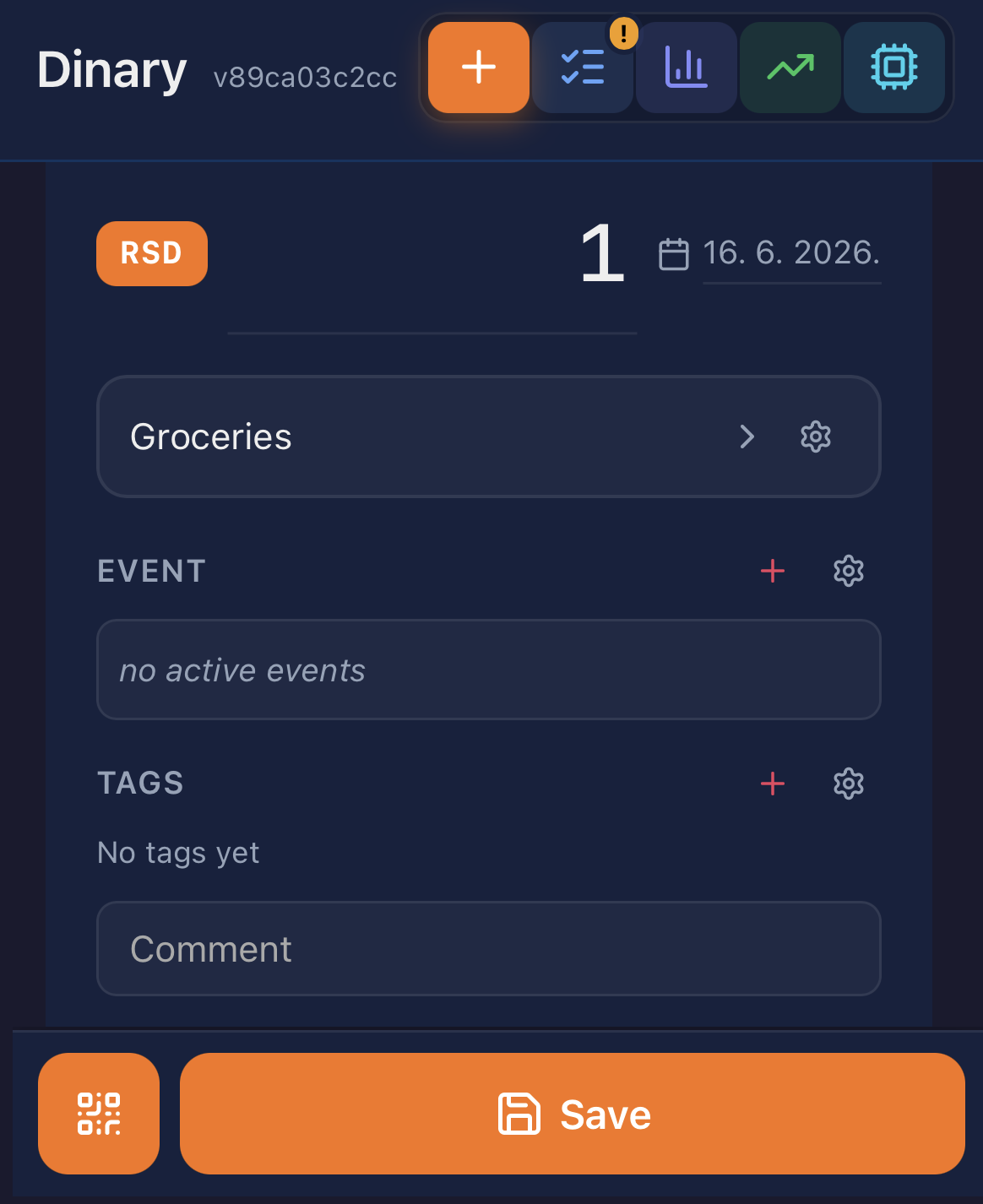 |
Under the hood
Corrections become reusable rules. Known items use stored classification rules; unfamiliar or uncertain items go to an LLM. A user correction takes precedence over the model and applies across branches of the same retail chain. Classification failures remain recoverable through retries and review. The classification design explains confidence, alternatives, and manual resolution.
Provider selection and failover are handled by llmbroker, a standalone library for applications that need a pool of LLM providers. Receipt logic stays in Dinary.
A saved expense outlives a failed network call. IndexedDB holds offline entries, and the QR scanner is bundled for offline use. On the server, the SQLite ledger is the source of truth. Google Sheets export runs through a retryable queue, so a spreadsheet outage does not prevent expense capture. See the offline design and Sheets integration.
Analysis has a separate home. The local analytics app uses DuckDB to query a read-only ledger replica, keeping heavy analytics dependencies off the capture server. Its AI can query spending and configure views without editing the ledger. The analytics design covers the dashboard and MCP interface.
Small, frequent lookups shaped the storage layer. In an early synthetic workload, 5,000 mapping lookups took 2.0 seconds with direct SQL and 19.9 seconds through Ibis. That comparison led to SQL files and migrations for the transactional backend. The architecture record documents the workload and trade-offs; the result describes that benchmark, not whole-application performance.